Migrating WooCommerce to a headless Next.js storefront
We separate the store frontend from the limits of the WordPress theme while keeping control over data, SEO and sales. This is the way forward for e-commerce that has outgrown a simple plugin-based store.
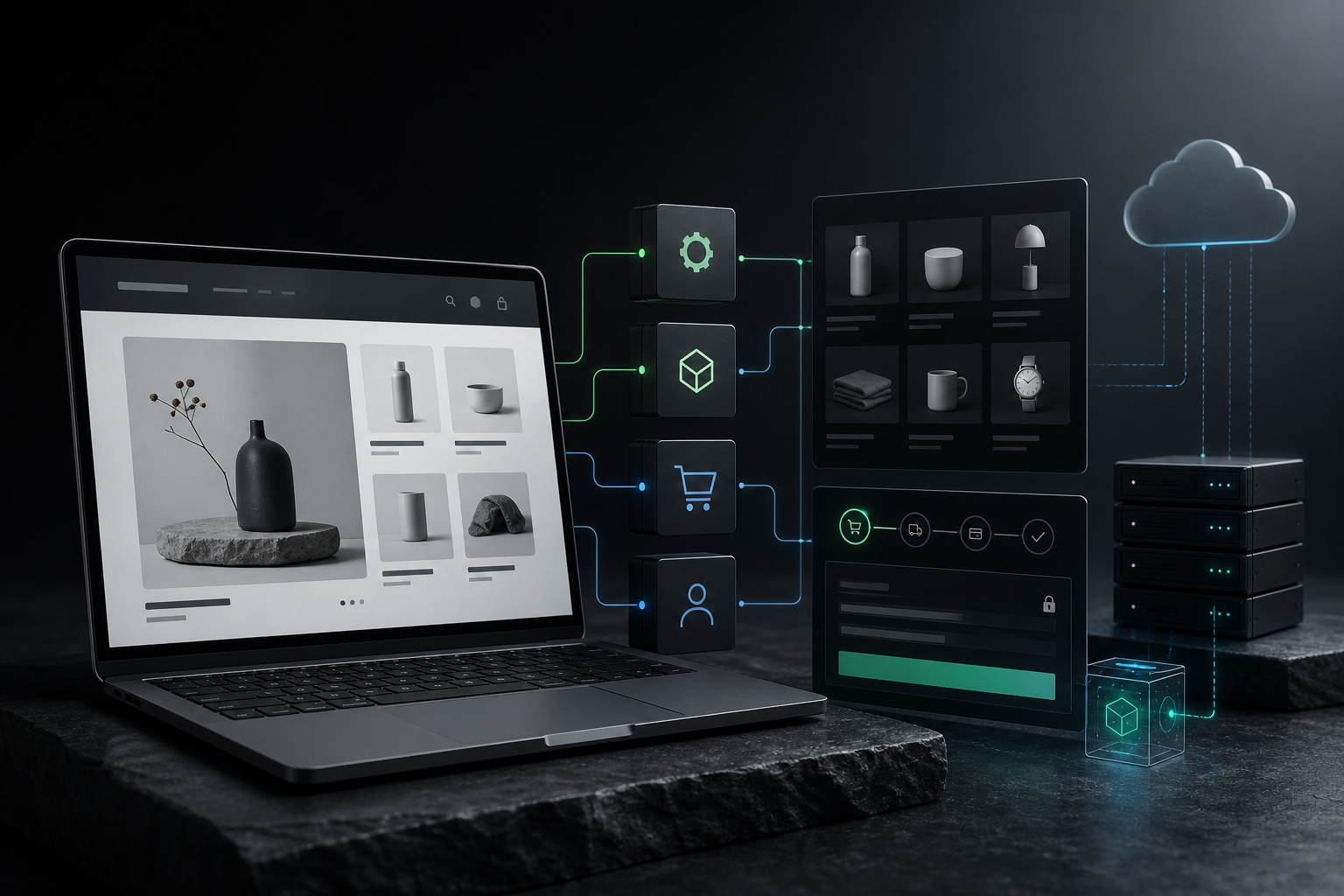
- the theme and plugins slow the store down as traffic grows
- every checkout or cart change is risky
- Core Web Vitals and mobile UX limit campaign results
- the store frontend is hard to connect to a CMS, PIM, ERP or automation
- the marketing team needs to test landing pages and content faster
Headless starts not with code but with an architecture decision
A migration should improve sales, not just the technology stack
a faster frontend and better Core Web Vitals
more freedom in UX design without theme limitations
less risky changes to the presentation layer
easier connection of the store to CMS, ERP, PIM and marketing automation
a better foundation for SEO, paid campaigns and conversion experiments
a clearer split of responsibilities between the commerce backend and the storefront
Not every WooCommerce store should go headless
If the store is small, has a simple catalogue and no traffic problems, a full migration may be overkill. That is why we start with an audit and also recommend intermediate options: optimising your current store, rebuilding the checkout or a gradual storefront.
When the problem is scale, complex integrations and the cost of every UX change, headless gives you more control over the frontend, performance and the growth of new channels.
WooCommerce as the backend
Products and orders stay in WooCommerce, while Next.js takes over the frontend.
Migration to a new engine
At larger scale we consider Medusa, Saleor or Shopify Plus as the commerce foundation.
Phased, checkout first
We start with the most critical part of the purchase path before touching the catalogue.
A migration plan protects visibility only when it is part of the implementation.
Before changing technology we agree which URLs to keep, the redirect map, canonicals, the sitemap, structured data and measurement. After launch we check indexing, 404 errors and the key pages and queries.
See the checklist for migrating a store without losing SEO (in Polish)Questions about migrating WooCommerce to headless
Let’s talk about your WooCommerce migration
Describe your current store, your sales scale and the problem. We will assess whether headless makes sense or whether optimisation or an intermediate step is the better choice.